
- Kahoot is a gamified learning platform that allows you to create and play interactive quizzes in real time, motivating both students and adults.
- It offers multiple game formats and questions, including classic quizzes, surveys, debates, open-ended questions, and collaborative modes, adapting to educational and business contexts.
- The free version is very comprehensive and sufficient for most users, but there are advanced plans for large groups, detailed analysis, and more types of questions or integrations with other platforms.
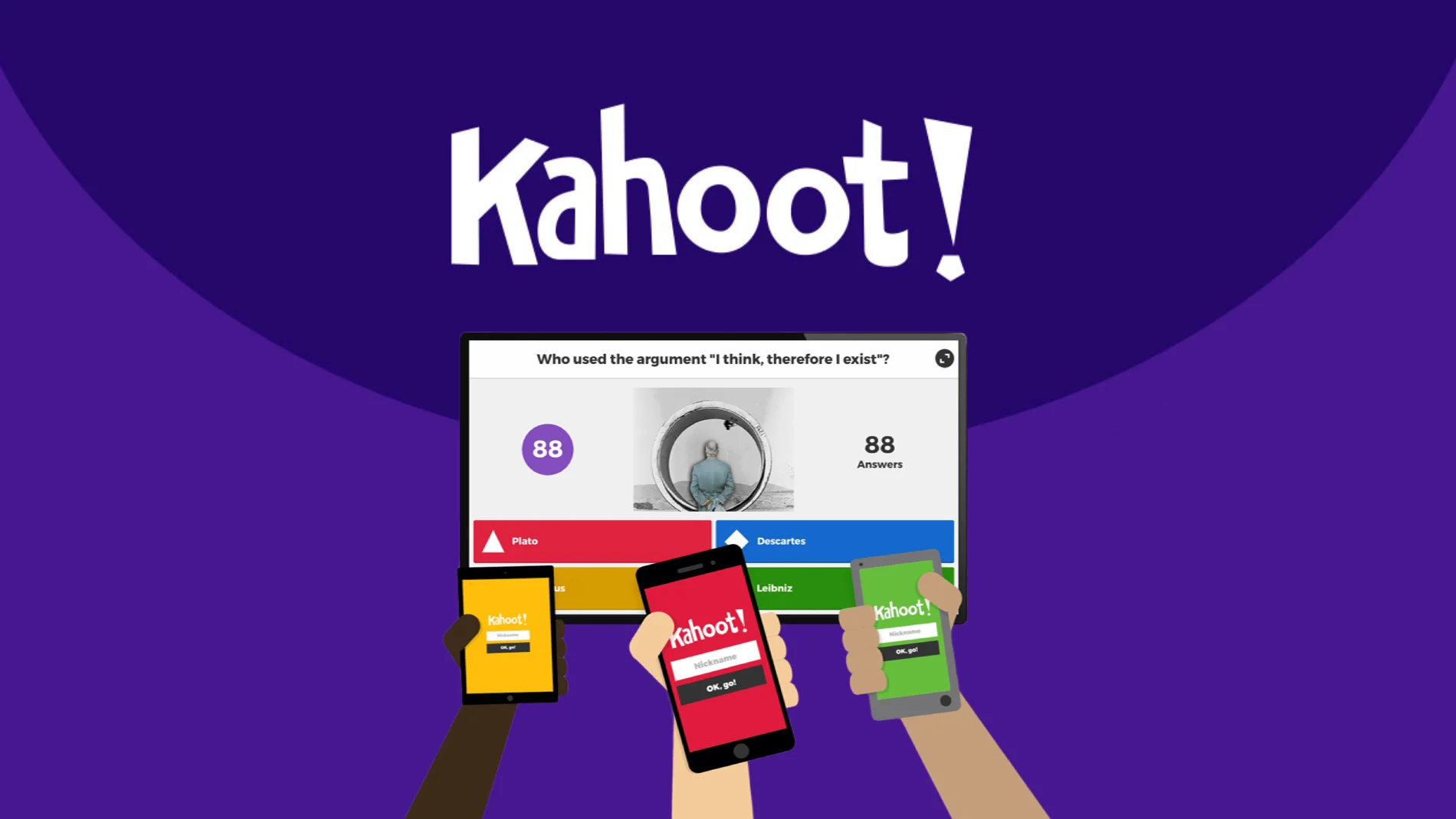
Have you ever seen a class or meeting where the attendees, phones in hand and eager to learn, compete to see who can answer the fastest and best? It's very likely that behind those laughs and moments of tension is Kahoot , one of the most beloved platforms for turning learning and training into a truly fun experience.
Kahoot's rise is no accident . Since its launch, it has revolutionized how concepts are reviewed, assessments are conducted in the classroom, and even how work sessions are enlivened. Whether you're a teacher, trainer, remote worker, or simply looking to liven up an afternoon with friends or family, you'll want to know everything Kahoot has to offer in 2025.
What is Kahoot?
Kahoot is a digital platform that allows users to create and participate in quizzes, surveys, and interactive games in real time . Since its inception in Norway in 2013 as an academic project focused on education, its popularity has grown to make it a favorite among many schools, universities, companies, and families worldwide.
The game is simple and addictive: the host (teacher, moderator, team leader, etc.) starts the game by projecting the questions onto a shared screen. Each participant connects from their device—mobile phone, tablet, or computer—and enters an access PIN code , competing live to answer as quickly and accurately as possible.
Kahoot's philosophy is clear: learning through play . This commitment to gamification , that is, applying game mechanics to learning, makes users feel more motivated and active, transforming a simple assessment into a collective and memorable experience.
What is Kahoot used for?
The possibilities of Kahoot are truly vast . Although it was created with an educational focus and for reinforcing content in the classroom, its flexibility has allowed it to break into many other areas:
- School and university environmentsIt facilitates reviewing subjects, formative assessment, learning new concepts, and identifying areas for reinforcement. The quizzes can be adapted to any subject and level, even early childhood education!
- Corporate training and eventsIt is ideal for breaking the ice in team sessions, conducting activities at conferences, reinforcing training topics, or encouraging participation in meetings.
- Informal learning and leisureFrom birthdays, family dinners, after-school workshops or game nights, Kahoot turns any get-together into a TV-style quiz show.
The best part is that it doesn't matter if you're a tech expert : Kahoot is intuitive, visual, and requires hardly any complicated steps to get started.
Key features of Kahoot (2025)
Kahoot has evolved a lot since its beginnings and today offers features that adapt to any context:
- Multiple question formats: Classic test, multiple choice (with several correct options), true/false, open questions (write the answer), slider (guess a value within a range), puzzle questions (order options), pin-on-image questions, content slides, and debates or surveys.
- Adaptive game modes: You can play live with all participants connected at the same time and on a common screen, or assign a Kahoot as a task for users to complete at their own pace, ideal for distance learning.
- Teams and multiplayer: Players can participate individually or by grouping themselves into teams, both to encourage collaboration and to energize large groups.
- Time and difficulty management: The host adjusts the response time limit for each question and can introduce questions of different difficulty levels, thus adapting to the group.
- Integration with other platforms: Kahoot allows you to link with tools such as Google ClassroomMicrosoft Teams or Moodlefacilitating class management, student import, and progress tracking.
- Accessibility and customization: The host can add images, videos, formulas, texts, or multimedia resources to each question, opening up a range of possibilities to make the content more attractive.
- Up to 2.000 simultaneous players: Thanks to its robust infrastructure, it is now possible to organize massive competitions at large events, online courses, or conferences.
- Artificial intelligence to generate questions: Since 2025, Kahoot has included AI capable of creating automatic questions from text, PDFs, or other sources. presentationsaving the user a lot of time.
How to create and launch a Kahoot?
The process for creating a Kahoot is simple and suitable for everyone . It's important to distinguish between two main roles:
- Host/teacher: He is the one who designs the game and launches it.
- Participants: They are the ones who compete and respond from their devices.
Step-by-step instructions for creating a Kahoot:
- Create an account (free or paid) in .
- Enter the control panel Choose between creating a Kahoot from scratch or using one of the thousands of games created by the community. You can search by keywords and filter by language!
- Select the game type: Quiz (multiple choice questions), survey, discussion/debate, open questions, etc.
- Configure the questions: Write the question, define the response time, add the options (minimum two, maximum four for classic test), mark the correct ones, include images, videos, formulas or links if desired.
- Save and publish the Kahoot, decide whether it will be open to the community or private.
- Launch the live game: The host shares the screen, generates a unique PIN, and participants connect. kahoot.it by entering said code and a nickname.
- Play and check results: At the end, the platform displays a ranking of the best, allows you to analyze successes and failures, and export the results for further analysis.
Kahoot is so inclusive that it even allows you to play without devices , using paper templates in contexts where technology is limited.
Diversity and personalization in learning
One of the reasons for Kahoot's success is the ability to customize absolutely everything . The host can adapt the game to the group's level, the content they want to reinforce, or the preferences of the students or the team. Furthermore, the platform fosters collaborative learning , instant feedback, and a much more participatory attitude from the students.
You can even create cross-curricular Kahoots to review several subjects at once, use images as the basis for questions, or organize competitions between classes, grade levels, or even schools. The possibilities are almost endless!
Advantages and benefits for teachers, students and companies
- Greater motivation and participation: Learning becomes a challenge and a game, which increases everyone's involvement.
- Instant feedback: Users can instantly see if they have been correct, what mistakes they have made, and what position they are in, promoting continuous improvement.
- Adaptability: Kahoot can be used both for reviewing and for evaluating, analyzing prior knowledge, or gathering opinions within the group.
- Strengthening teamwork: The possibility of playing in teams fosters cooperation and healthy competition.
- Exportable results: Reports and statistics can be exported to Excel or Google Drivefacilitating monitoring and evaluation.
- Active and meaningful learning: Students go from being passive spectators to protagonists of the process.
- Reduction of anxiety during assessment: By turning exams into a fun activity, students lose their fear of being evaluated.
The free version of Kahoot is surprisingly comprehensive . It allows you to create, play, and share quizzes, access thousands of public games, and organize live or recorded games with a large number of participants. Most users (teachers, students, small teams, families) don't need to pay to use all the essential features.
However, there are premium plans for businesses, large educational institutions, or those who need advanced features:
- More types of questions and games (such as puzzles, double points, enhanced open-ended questions).
- Logo customization, advanced results analysis, sessions with thousands of participants, and priority support.
- Full integration with educational and corporate platforms to facilitate the management of groups or classes.
Deciding between a free and a paid plan depends mainly on the size of the group, the level of customization or analysis required, and whether you want to take full advantage of the platform's new features.
Tips and tricks to get the most out of Kahoot
- Pay attention to response times: Don't set limits so short that they overwhelm, or so long that they bore. Adjust to the pace and level of the group.
- Combine different types of questions: Alternating between quizzes, short answers, videos, or slides keeps things fresh and engaging.
- Add trick or fun questions: This relaxes the atmosphere and helps reduce competitive tension.
- Use multimedia resources: Images, videos, or audio make the game much more visual and attractive.
- Create teams: If you have many players, forming teams encourages debate and reduces individual pressure.
- Share your Kahoots: Publishing them in the community allows you to inspire others and also take advantage of those of other creators.
- Personalize and describe your games well: Add tags, descriptions, levels, and subjects to make them easily searchable.
Kahoot vs. other educational games: Why is it so popular?
Kahoot competes primarily with platforms like Quizizz, Socrative , Quizlet , and Plickers . While many offer similar features, Kahoot stands out for its dynamism, clear interface, live quiz atmosphere, and ease of use, even with large groups.
Some key differences with Quizizz (another heavyweight):
- Kahoot is based on a common screen and ranking visible to everyone, ideal for classrooms or face-to-face sessions.
- Quizizz allows each student to play at their own pace on their own device, even asynchronously, which is more suitable for individual tasks.
- Kahoot's design is much more visual, adapted to group play, like a television quiz show.
Both platforms can be complementary depending on the objective: if you are looking to motivate and learn by playing in a group, Kahoot is still the star.
After this comprehensive overview, it's clear why Kahoot remains the benchmark for gamified learning more than a decade after its launch. It not only allows for engaging teaching and assessment, but also promotes participation, engagement, and teamwork, regardless of the context or age of the participants. With powerful features, free plans for most users, and a global community behind it, anyone can turn learning into a true knowledge festival . So, what are you waiting for?
What is Scratch: a complete guide to the visual programming language for learning by creating