
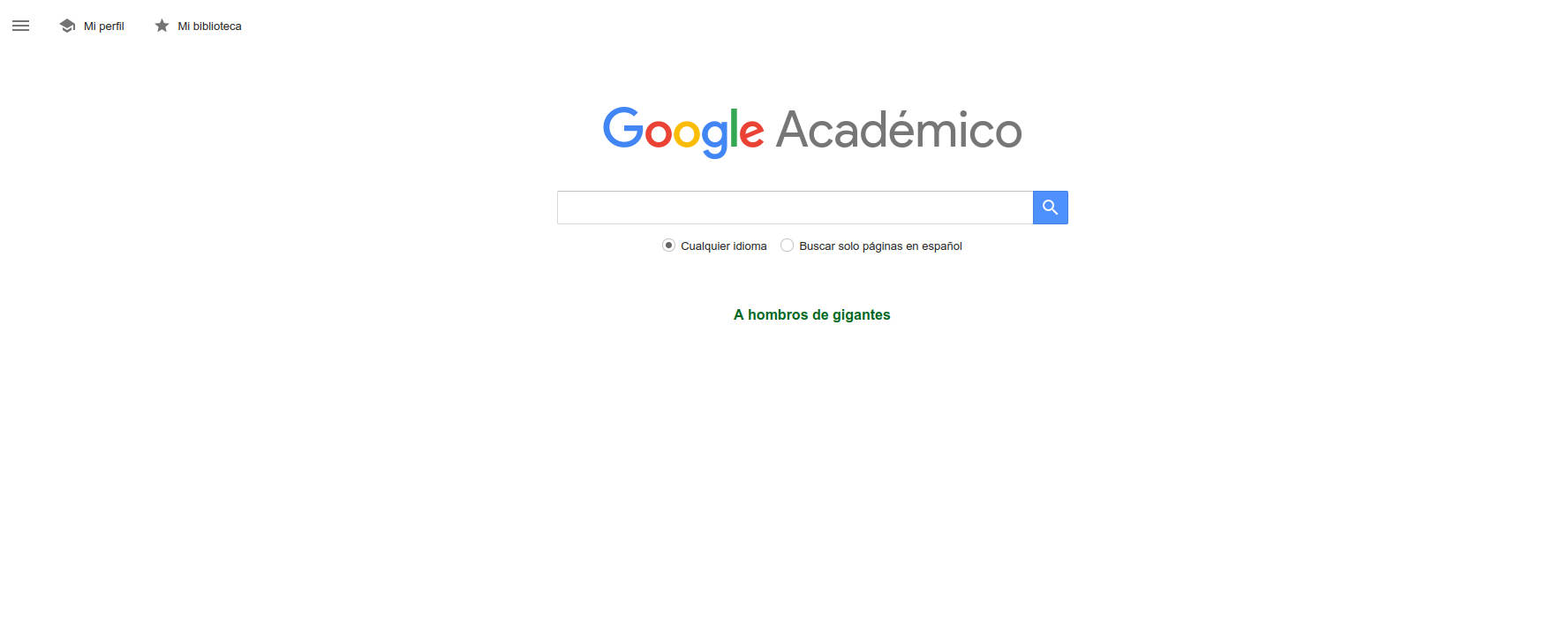
If you've ever been lost in a sea of results searching for scientific information, you've probably come across Google Scholar. This powerful Google tool, popularly known in Spanish as Google Académico , has become the primary ally for those who need access to high-quality academic literature. Whether you're a student, researcher, or simply curious, understanding how it works and how it can help you is a significant advantage when conducting specialized searches.
In this article, we delve deep into all the features, advantages, possibilities, and secrets of Google Scholar, exploring everything from its origins to tips for optimizing your searches, creating author profiles, and getting the most out of it. The goal is that, by the end of this article, you'll have everything you need to use Google Scholar like a pro and might even be inspired to create your own academic profile.
What is Google Scholar?
Google Scholar , known as Google Académico in Spanish , is a specialized search engine developed by Google to facilitate the location of academic, scientific, and technical documents. It was launched to the public in November 2004, and its creators, Anurag Acharya and Alex Verstak, conceived it after noticing that students, professors, and users in general were increasingly conducting academic searches on traditional Google, but were finding it difficult to filter genuine scientific content among millions of pages.
This platform is designed to bring together scientific articles, theses, books, conference papers, abstracts, reports, patents, and any other material of research interest under a single interface . The results it offers come from university presses, professional associations, institutional and thematic repositories, universities, journal aggregators, and other recognized sources. Its main advantage is that it allows users to search as easily as on Google, but limits the results to academic and reliable resources.
How does Google Scholar work?
The essential difference between Google Scholar and the general Google search engine lies in their crawling methodology and content ranking system . Google Scholar employs its own search engine that automatically indexes millions of research documents from multiple disciplines. By systematically crawling the websites of universities, research centers, repositories, publishers, and more, it compiles an index that is now much larger than those of major commercial databases such as Scopus or Web of Science.
When presenting the results, relevance is the predominant criterion , using an algorithm that weighs multiple signals: the full text of the article, the publication in which it appears, the authorship, the number of times it has been cited by other academic works, and the associated keywords. Therefore, it often displays the most influential works within each area at the top of the results . Furthermore, it is possible to refine the search by publication date, language, document type, and even search only for articles or patents.
Another key feature is that much of the content is provided by its authors or institutions , which allows Google Scholar to display not only bibliographic records, but the full text itself for a huge number of works, especially those that are open access.
Documents available on Google Scholar
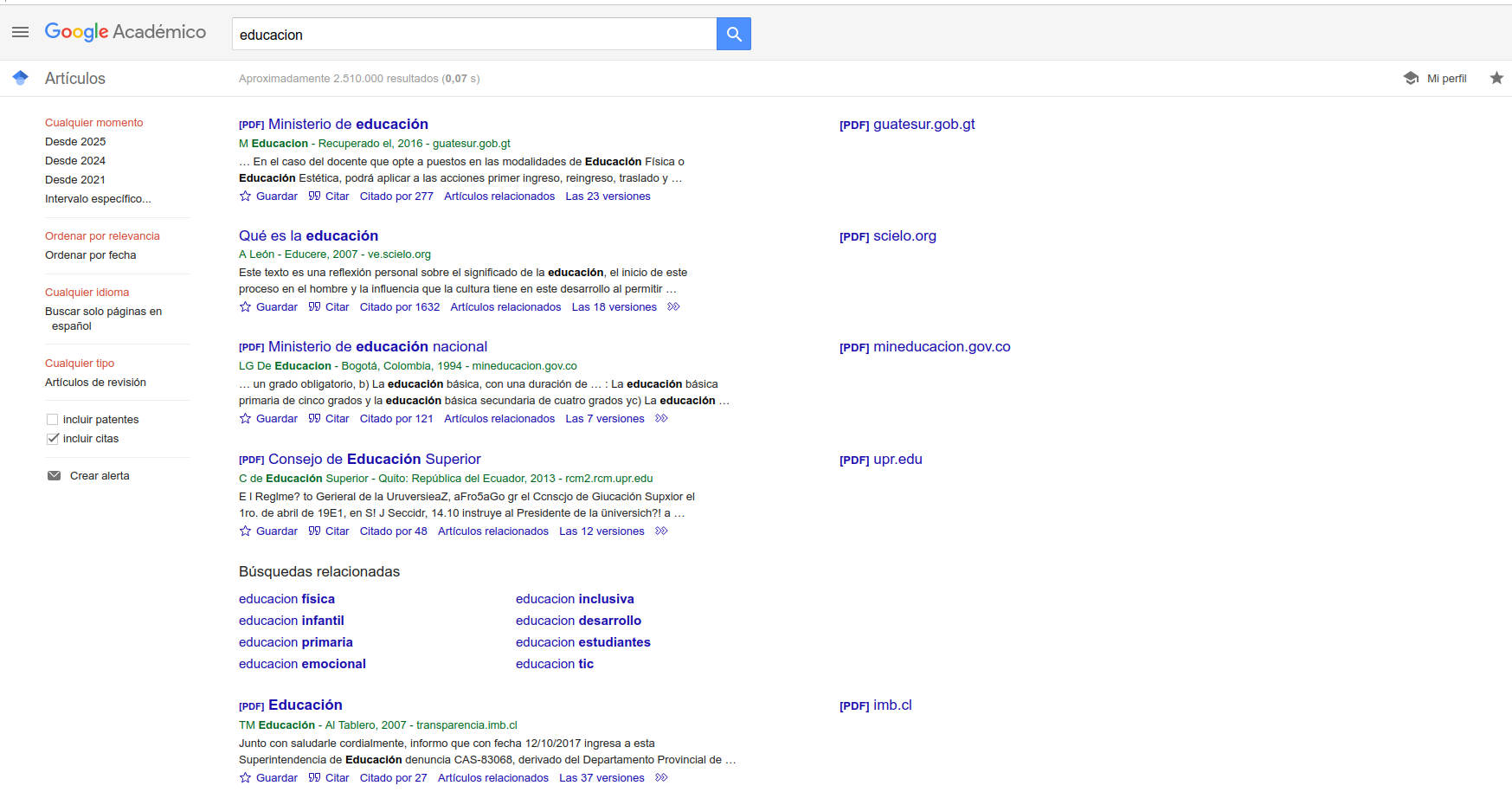
The vast collection of documents indexed by Google Scholar includes:
- Peer-reviewed scientific articles
- Doctoral and Master's theses
- Books and book chapters
- Technical reports and grey literature
- Conference papers and academic materials
- Patents and even extended abstracts
If the full text is not directly accessible , Google Scholar displays at least an abstract , table of contents, reference, or review. In any case, it always provides the necessary information to locate the document in a library catalog or, failing that, to request it through interlibrary loan.
Key features of Google Scholar
Google Scholar is more than just a search engine. Its functionalities have evolved , and some of the most relevant include:
- Advanced academic search: Using keywords, author names, titles, or specific topics, you can find documents highly relevant to your needs.
- Access to free or preprint versions: Although not all articles are free, Google Scholar usually offers free access when the publication is in open repositories or a preprint copy exists.
- Searching and viewing citations: One of the favorite features among researchers, as you can find out how many times an article has been cited and quickly access the works that cite it.
- Creating custom alerts: You can set up alerts to receive notifications when new articles related to a specific topic, author, or keyword are published. This is especially useful for staying up-to-date in your field.
- Author profile management and monitoring: Researchers can create an academic profile that compiles all their publications, citations received, h-index, i10-index, and other impact indicators. They can also add co-authors and increase the visibility of their scientific output.
- Advanced search filters: They allow you to narrow down the results by publication date, document type, language, and other very useful parameters.
- Integration with university libraries: It enables access to the full text of publications subscribed to by each user's institution through integration with institutional catalogs or subscriptions.
- Bibliographic reference management: From each document you can obtain the citation in multiple formats (APA, MLA, Vancouver, BibTeX, etc.) and even export them to managers like EndNote, Mendeley o Zotero.
What is Google Scholar really for?
The main use of Google Scholar is the quick and easy location of high-quality, peer-reviewed academic literature in one place , but its usefulness is much broader:
- Compare research in a specific field: It allows you to easily analyze which works are most influential based on the number of citations and their visibility in the scientific community.
- Identifying trends and gaps in literature: By reviewing which articles cite others, you can trace the evolution of a topic and discover emerging lines of research.
- Democratic and free access to scientific information: Unlike paid databases, Google Scholar is open access and encompasses a multitude of areas: sciences, technology, biomedicine, social sciences, arts and humanities, among others.
- Ease of use and minimal learning curve: Its interface, very similar to Google's, makes it familiar to any user. No prior knowledge of academic databases is necessary, making it ideal for both beginners and experts.
Furthermore, for professionals and students, Google Scholar serves as a starting point for searching for literature , preparing articles, theses, presentations , and projects at any academic level . The ability to filter and customize results helps save considerable time in the research phase.
Main advantages over other tools
The main advantage of Google Scholar is its enormous coverage: its index far surpasses that of major commercial databases such as Scopus or Web of Science. Furthermore:
- Includes grey literature such as theses, undergraduate and master's theses, technical reports and preprints that many traditional databases do not index.
- It offers automatic access to the full text. provided that open versions exist on the web or agreements with publishers.
- Present the relevant information clearly: citations received, related documents, and the option to follow authors, topics, or profiles.
- The searches do not require complex equationsTherefore, it is much more intuitive for all types of users.
- It contains useful impact metrics, such as the number of citations, the ho index, the i10 index, both individually and for each publication.
However, it also has its limitations: not all sources are peer-reviewed or of the same quality , and exhaustiveness can lead to more documentary noise. Therefore, it is important to evaluate the quality of the results and not rely solely on the first page.
How to create and manage your author profile on Google Scholar?
One of the most powerful features for researchers and advanced students is the ability to create a personal profile on Google Scholar . This allows you to group all your publications, track citations, establish impact metrics, and increase your professional visibility . Furthermore, you can link your profile to co-authors and institutions, and share your profile URL on other academic platforms.
Steps to create your profile
- Access Google Scholar and select the "My Profile" option. A Google account is required.
- Fill out the form with your personal information: Name, institutional affiliation, area of specialization and verifiable email address (institutional email is recommended to give greater visibility and credibility).
- Include your posts. The system itself will suggest indexed works that you could claim as your own. Review them and accept only those that are truly your own work.
- Configure updates. You can choose to have your profile updated automatically or manually review each new registration to avoid errors.
- Make your profile public To boost your visibility and that of your institution, and share your profile identifier or URL with other colleagues.
The profile will display information such as the total number of citations, the h-index, the i10-index, and the most relevant documents. It is also possible to export the records to bibliographic management systems such as ORCID or BibTeX.
Tips for getting the most out of Google Scholar
If you want to make the most of this resource, here are some practical tips :
- Use quotation marks to search for exact phrases. For example: "climate change".
- Include the authors' names or the publication title in your search. to refine the results.
- Apply custom filters after obtaining the initial results to adjust by year, document type, or language.
- Consult the cited articles and the citations received to track the evolution of a topic and discover new relevant authors.
- Create alerts to stay up to date. Simply enter the topic or author and you will receive notifications in your email.
- Check the quality of the publicationsNot everything indexed is of the same scientific quality. Look at the journal's reputation, citations, and impact metrics.
- Connect your profile with other academic identifiers such as ORCID to keep your publications well organized.
Google Scholar vs. other academic databases
Although other options exist, such as JSTOR, PubMed, Scopus, or Web of Science, Google Scholar stands out for its ease of use, its free access, and the breadth of its indexed content . While specialized databases may offer greater control and rigor in certain fields, especially for highly complex or systematic searches, Scholar is unsurpassed as a tool for quick access, initial exploration, and even as a primary source for users without institutional subscriptions.
Through integration with university libraries, profile management, and alert functionality, Google Scholar can be tailored to both students starting their work and senior researchers looking to monitor the impact of their publications.
Key metrics and tools for researchers
Among the most consulted metrics on Google Scholar are:
- Number of appointments: Total number of times a publication or author has been cited in other works.
- h-index: Number of publications that have been cited at least h times. Reflects productivity and relevance.
- i10 Index: Number of publications with at least 10 citations.
These metrics can be visualized both for the author as a whole and for each individual document, facilitating the analysis of the impact and evolution of an entire scientific career.
Limitations and recommendations
Despite all its advantages, it's important to be aware of Google Scholar's limitations . Not all content is always up-to-date, there may be duplicates, and the quality control of indexed journals isn't as strict as in specialized databases. Therefore, it's always advisable to compare results with other sources and critically analyze the relevance and accuracy of each document.
Having Google Scholar in your repertoire means having access to the world's largest repository of academic literature, with open access, advanced filters, profile management, and impact metrics. If you learn to use it wisely, it will be an indispensable tool for your academic and professional development, or simply for satisfying your intellectual curiosity.